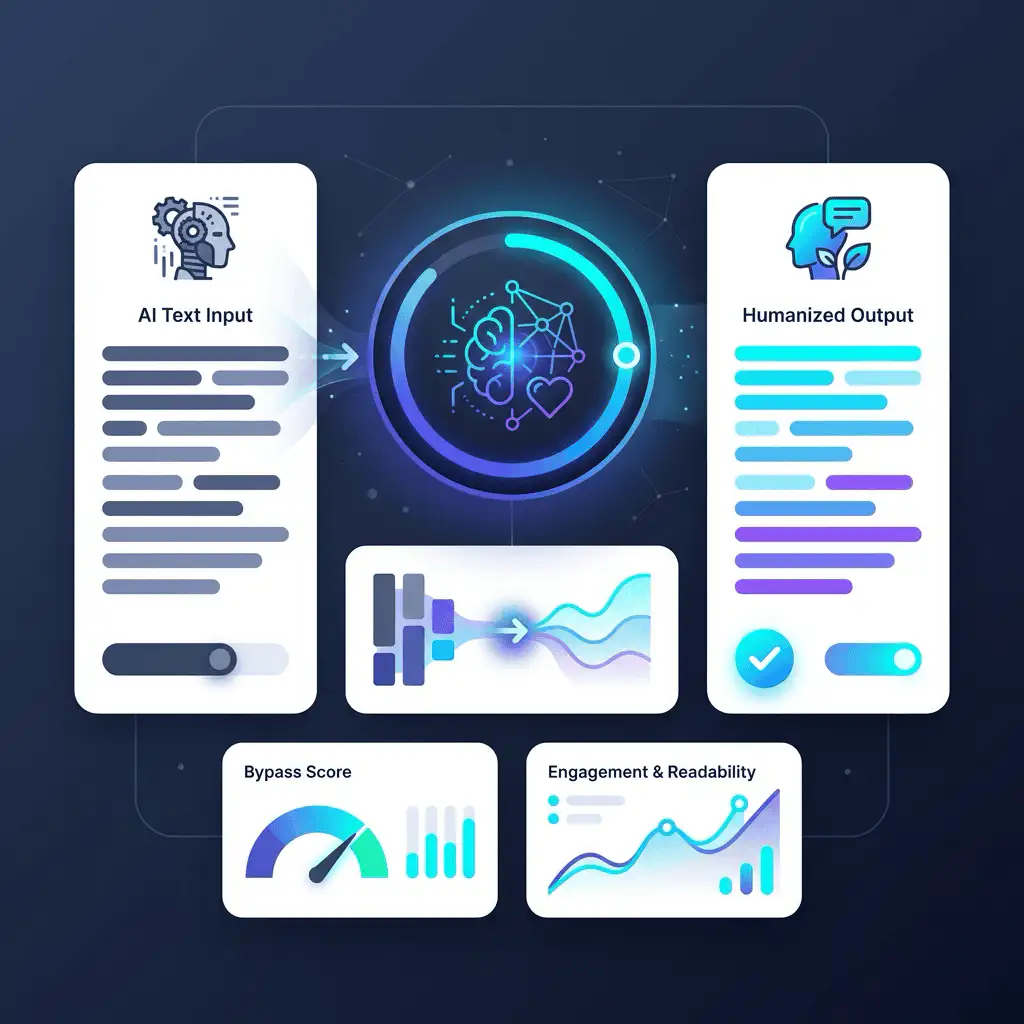
Humanize AI Text into Natural, Human-Sounding Writing
Paste your AI-generated draft and the AiTurnOut AI Humanizer rewrites it to read naturally, while preserving your meaning, structure, and intent. Then review and refine the result in the editor before you use it.
Preserves your meaningEditable resultsNo sign-up to try
AI Humanizer at a Glance
A quick, factual summary of what the AI Humanizer does, what it works on, and what to expect.
Best for
Humanizing AI-generated text
Input
AI-generated or robotic-sounding text
Output
More natural, readable content
Preserves
Meaning, structure, and intent
Use cases
Blogs, articles, emails, essays, product descriptions, social posts
Limitations
Results depend on input quality and a human review
What Is the AiTurnOut AI Humanizer?
Turn AI drafts into natural, human-sounding writing
The AiTurnOut AI Humanizer rewrites AI-generated text so it reads more naturally, while preserving your meaning, structure, and intent. It smooths out robotic phrasing, repetitive wording, and overly formal language, then hands you an editable result so you stay in control of the final copy.
You do not need an account to try it. Paste your text, choose how you want it to read, and let the humanizer do the heavy lifting, then make it yours with a quick review.
Step 1: Paste your AI-generated text into the editor.
Step 2: Choose a readability level, purpose, and language.
Step 3: Click Humanize to rewrite the text.
Step 4: Review and refine the result before you use it.
AI drafts often feel flat and generic. The humanizer helps your content sound more natural and considered, which makes it easier to read and more pleasant for your audience. Because you review the output, the final writing still reflects your voice and intent.
More natural tone, rhythm, and word choice
Easier to read for real people, not just search engines
Built for everyday content, marketing, and study work
From SEO teams polishing blog drafts to students improving the clarity of work they are allowed to edit, the humanizer fits naturally into the writing you already do.
We are upfront about what the humanizer can and cannot do. No tool can guarantee that every AI detector will read text as human, and results depend on your input and a quick human review. Use it to improve readability, tone, and clarity for content you have the right to edit, and follow any rules your school, client, or publisher has about AI assistance.
No guarantees about any detector outcome
Results vary by input quality and by detector
A short human review is recommended before publishing
An AI humanizer is a tool that rewrites AI-generated text so it reads more naturally and less robotically, while keeping the original meaning. AiTurnOut's AI Humanizer reduces repetitive phrasing and overly formal language and returns an editable result you can refine.
2
How does the AI Humanizer work?
Paste your AI-generated text, choose the available settings such as readability level, purpose, and language, then click Humanize. The rewritten text appears in an editor where you can review and adjust it before copying or exporting.
3
Does the AI Humanizer preserve meaning?
It is built to preserve your meaning, structure, and intent while improving how the text reads. As with any rewriting tool, you should review the output to confirm it still says exactly what you intended.
4
Can AI detectors still detect humanized text?
Possibly. No humanizer can guarantee that every AI detector will classify text as human-written. Results vary by detector and by the quality of your input, so we recommend reviewing and editing the output rather than relying on any detection outcome.
5
Is AiTurnOut AI Humanizer free?
Yes, there is free access to the humanizer, and you can try it without signing up. The per-request word limit depends on whether you are signed in and on your plan, with higher limits available on paid plans.
6
Who should use an AI Humanizer?
It is useful for SEO writers, bloggers, marketers, freelancers, content editors, agencies, business teams, and students who want to improve the clarity and tone of content they have the right to edit.
7
Can I use it for SEO content?
Yes. Many writers use it to make AI drafts read more naturally for blog posts and landing pages. Combine it with a human edit and a readability check so the final content is genuinely useful to readers.
8
Can I use it for essays?
You can use it to improve the readability of writing you are allowed to edit. If your school or publisher has rules about AI assistance, follow them and be transparent. The humanizer is a drafting aid, not a way to misrepresent authorship.
9
Does it reduce robotic AI patterns?
It targets common signs of machine writing such as repetitive sentence structures, filler phrases, and overly formal wording, rewriting them into more natural language while keeping your point intact.
10
Should I edit the output before publishing?
Yes. A short human review is recommended. Check that the meaning is preserved, the facts are correct, and the tone fits your audience before you publish or submit the content.